
On this page
A usable proof of delivery photo lets the office match the document to the freight job and read what the receiver actually recorded. Take it while safely parked, before leaving the delivery site if the site permits.
Capture the original delivery record
Put the page on a flat surface in even light. Hold the camera parallel to the paper and keep all corners in view. Photograph every relevant page in order. If there is a stamp or handwritten exception, check that it is readable at full size. Follow the customer’s agreement on whether the original paper must also be returned.
Worked example: a signed note records a shortage
In an illustrative Durban delivery, the consignee signs for 23 of 24 cartons. The driver checks that the signed note records the quantity and takes a clear photo of the full page. Dispatch attaches it to the job and records the shortage separately for follow-up. Accounts can then see the original acknowledgement while the shipper and receiver reconcile the count.
Proof of delivery photo: check the whole page
| Sample delivery note | Job D-024 |
|---|---|
| Expected | 24 cartons |
| Accepted | 23 cartons |
| Exception | 1 carton short |
| Receiver acknowledgement | on signed original |
Check receipt before closing the job
If connectivity drops, keep the original image and send it through the agreed channel once the connection returns. A locally saved photo is still waiting for the office. Ask the recipient to confirm receipt if your workflow does not show it. Use the job reference and share through the designated channel because delivery documents may contain customer information.
At the office, compare the delivery note number with the job record before marking it received. In the Durban example, enter 24 cartons expected, 23 accepted and one outstanding. Assign the shortage to a named person and keep the signed photo linked to the exception. If the receiver later confirms the last carton, add that confirmation with its own date and reference.
Use the Synesys POD-to-invoice checklist once the evidence arrives.
Further reading A Clear POD Photo Saves the Driver Another Call (Kweli Corridor Network).
Proof of delivery checklist
Capture the whole signed note in good light, then check the job ID, date, count and handwritten exceptions are readable before leaving. Upload it to the correct job record.
Worked example
If the signed note says 14 of 15 accepted and the photo cuts off the shortage note, retake the full page. Keep both the signed document and any later confirmation as separate records.
“An EPCIS event records what was involved in a business process step, when the event took place, where it took place”
Keep the delivery time and site with the job reference. Preserve the original file separately if your customer needs a cropped copy for a dispute.
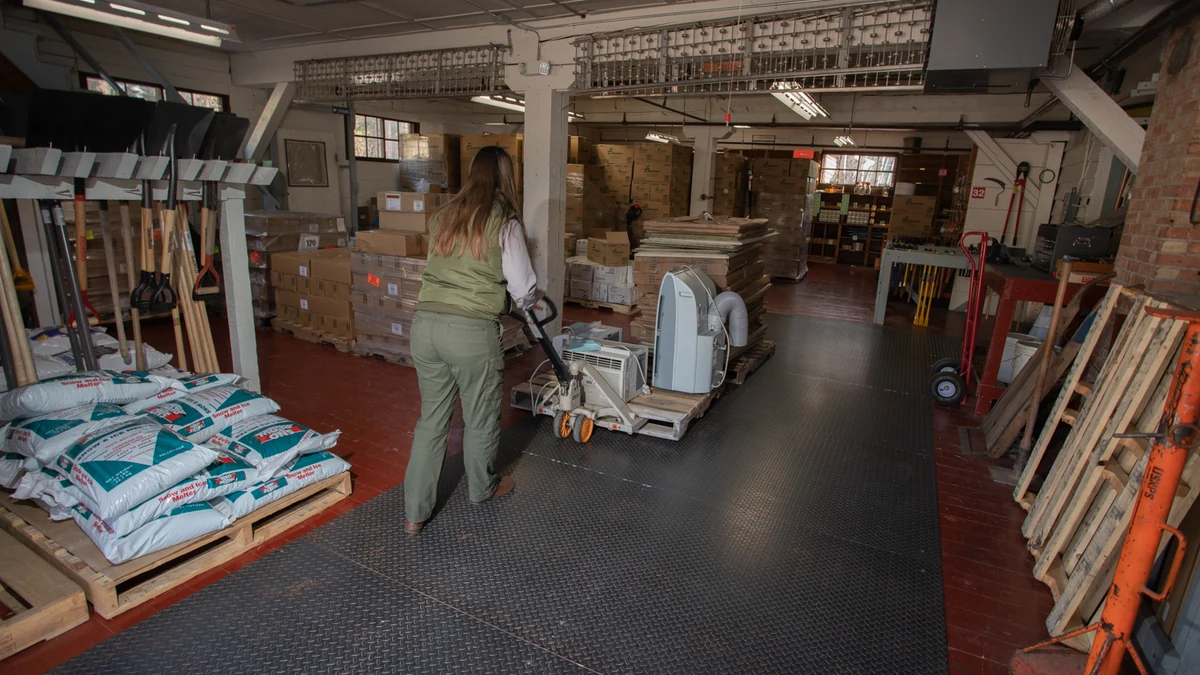
Cover photograph. Independent archival illustration: Glacier National Park, United States; 28 March 2022. A supply technician moving warehouse goods with a pallet jack. Photograph by GlacierNPS under Public domain. Cropped and resized; no added text or logos.
Proof of delivery photo FAQs
What should a proof of delivery photo show?
Include the full page, delivery reference, date, quantities, signature and any exception notes. Photograph each page separately if there is more than one.
What if the signature or shortage note is blurred?
Retake the full page in even light and check it at full size. If the handwriting on the original is unclear, ask the receiver to clarify it through the agreed process.
Can I send a POD photo later?
If the site has no signal, retain the original securely and upload it through the agreed channel when service returns. Check that the file appears against the correct job.