On this page
Ngqura and Port Elizabeth are separate ports in Nelson Mandela Bay. Before booking a truck, use the release or collection instruction to confirm the port, terminal or depot and the truck entrance. Use the truck booking checklist below to turn the city name into a confirmed destination and appointment.
Check which instruction controls collection
Ask the forwarding or collection contact to confirm the latest facility in writing. Compare it with the release reference and appointment. If two instructions disagree, ask which one has been superseded and have the dispatcher replace it in the driver brief.
Worked example: a booking names only the city
Suppose the purchase order says Port Elizabeth and the forwarder names a facility at Ngqura. The dispatcher confirms the collection reference, gate and slot with the forwarding contact. The carrier then checks whether its price and arrival estimate still apply to that facility. The receiver gets the revised estimate before the truck is released.
“The port lies some 20 km northeast of Port Elizabeth”
Use the named terminal to plan the trip. In an illustrative booking, a correction at 08:40 leaves 20 minutes before a 09:00 slot. If the truck needs 35 minutes to reach the corrected gate, ask for a new appointment and update the receiver before sending the driver there.
Before issuing the revised brief, compare the container number and release reference against the forwarder’s written confirmation. Ask the driver to acknowledge the named entrance. Use the truck booking checklist again after a terminal change. Keep the original booking and the corrected instruction together so dispatch can explain a missed slot or an approved rate change.
| Step | Time |
|---|---|
| Corrected gate instruction | 08:40 |
| Travel | 35 min |
| Arrival | 09:15 |
| Booked slot | 09:00 |
Check the last handover too
If the truck collects a container, confirm who will unload it, where the empty goes and who provides return evidence. Keep those instructions with the booking reference. Send the confirmed facility and receiving details to Synesys for help coordinating the movement.
Further reading Kweli’s guide to Ngqura and Port Elizabeth.
Related Synesys guide Plan the inland leg from Walvis Bay.
Truck booking checklist
Ask for the terminal name and gate exactly as written on the release or appointment. Confirm the container or booking reference and send the driver one confirmed destination.
Worked example
If the booking email says Port Elizabeth and the release names Ngqura, hold dispatch and ask the booking party to reconcile the documents. Record who confirmed the terminal and circulate the corrected instruction.
When designing shared job records, capture what happened, the time and location, and the business context. See the GS1 EPCIS visibility standard.
Give dispatch a copy of the release instruction and ask the driver to acknowledge the named terminal and gate. If any reference changes after dispatch, confirm the revised instruction with the booking party and reissue the driver brief.
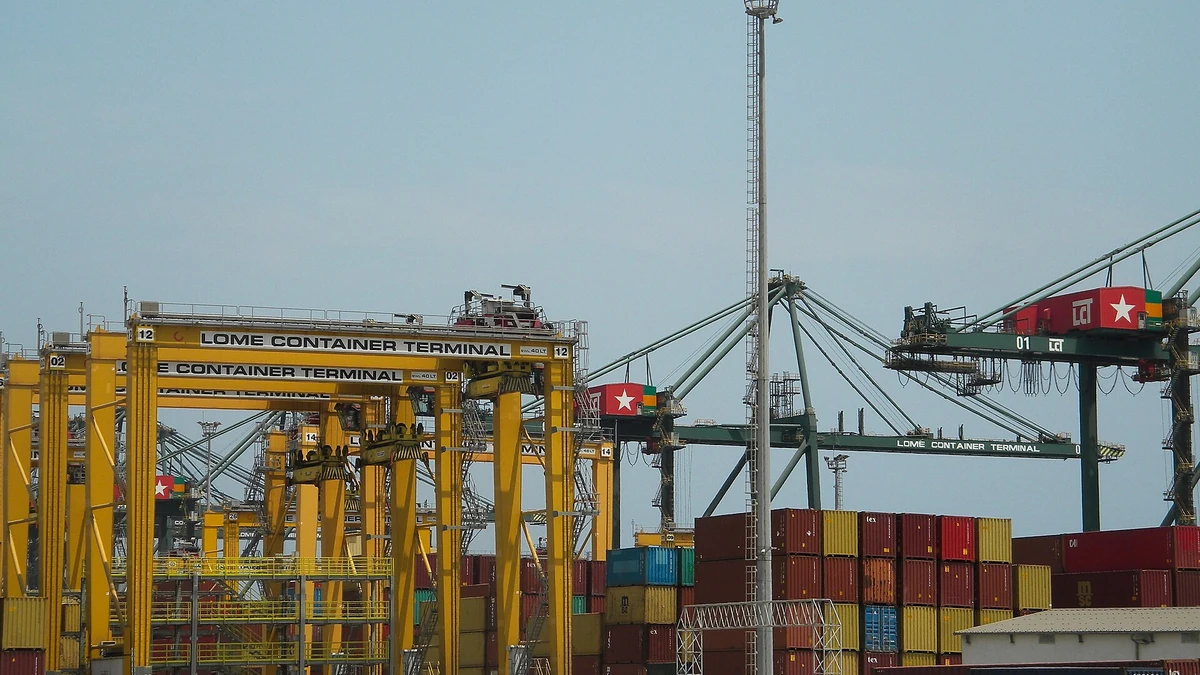
Cover photograph. Independent archival illustration: Port of Lome, Togo; 2020-03-13. Container cranes and shipping containers at the Lome terminal. Photograph by houaito affo daniel under CC BY-SA 4.0. Cropped and resized; no added text or logos.
Truck booking FAQs
Can I send the driver with only a city name?
Ask the forwarder for the port, terminal or depot, truck gate and confirmed slot. Match those details to the release reference before dispatch.
What if the purchase order and release name different ports?
Ask the booking party to confirm the correct terminal in writing and identify which instruction it supersedes. Recheck the appointment and send the driver the corrected brief.
What should I confirm for an empty container return?
Confirm the nominated depot, return reference and receiving window. Record who will obtain the receipt and send it to dispatch.