
On this page
Reconcile a road freight invoice against three records: the accepted quote, the delivery evidence and any approved change. Start with the job reference and confirm the dates and stops match.
Check each additional charge
For waiting, check the allowance, recorded start and finish times, and agreed billing increments. For a fuel surcharge, check the calculation basis and reference date. For a second stop, check whether it was included in the offer or approved during the job.
Worked example: waiting and an extra stop
An illustrative Gauteng job was booked at R8,000 before VAT, with one hour of waiting included. The agreed rate for additional waiting is R300 per hour and the record shows 90 minutes of chargeable site time before the allowance. If the agreement bills pro rata, the excess is R150. An extra stop approved at R500 brings the expected total to R8,650 before VAT. If the invoice differs, ask for the calculation and check the accepted terms before approving it.
In that example, the same 30 minutes could produce a R300 charge if the quote explicitly bills every started hour. The expected total would then be R8,800 before VAT. Ask for the exact billing clause when the carrier and shipper calculate different totals.
Check which events start and stop the waiting clock. If the record only shows gate-in and gate-out, ask dispatch for any booked-slot, loading or release timestamps the agreement uses. Keep the supporting record with the invoice line.
| Billing term | Waiting | Total before VAT |
|---|---|---|
| Pro rata | R150 | R8,650 |
| Per started hour | R300 | R8,800 |
Make the query specific
Send the job reference, disputed line, your calculation and the evidence you used. Ask for the missing approval or a corrected invoice. Keep the reply with the job so both teams can review recurring discrepancies. Use the Synesys POD-to-invoice checklist to assemble the evidence.
Keep the invoice number, line description, invoiced amount, supported amount and difference together. For the Gauteng example, attach the site-time record and the extra-stop approval separately. If the carrier supplies a correction, keep it with the original invoice and record which line it resolves.
Further reading Kweli’s proof-of-delivery checks before invoicing.
Road freight invoice checklist
Match invoice lines to the accepted quote, job record and approved changes. Record disputes by line and identify the person who can clear each one.
Worked example: query a R150 discrepancy
A R9,200 invoice includes R650 for waiting. The approved waiting record supports R500. Reconcile the R150 difference with dispatch and the carrier before marking the line cleared.
“Serial number and date of issue of invoice”
SARS lists those details among the particulars of a tax invoice. Record the carrier’s invoice number and issue date separately from the freight job reference. If a carrier sends a revised document, use both references to make sure accounts can trace it back to the right invoice and the right movement.
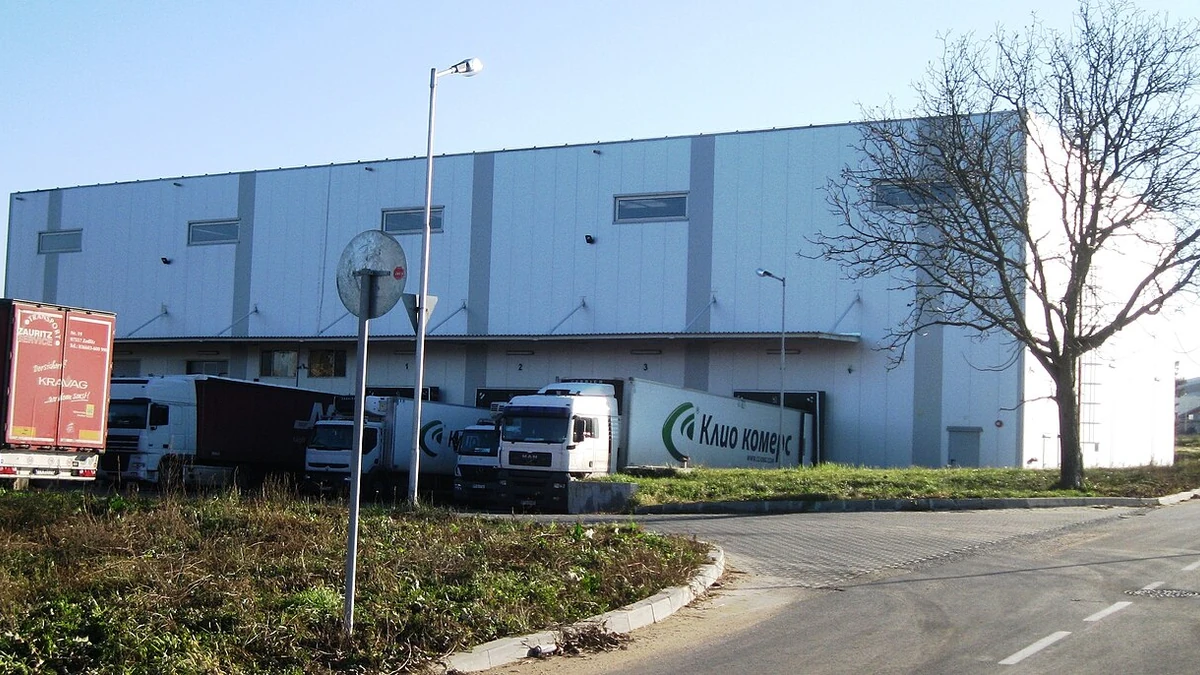
Cover photograph. Independent archival illustration: Razgrad, Bulgaria; 2015-12-22. Trucks backed up to a warehouse beside a curved access road. Photograph by Crayzyfan under CC BY-SA 4.0. Cropped and resized; no added text or logos.
Road freight invoice FAQs
What should I match to a road freight invoice?
Start with the accepted quote, delivery record and written approvals for changes. Match the job reference, dates and stops, then check each line separately.
How should I check a waiting charge?
Verify the start and finish times, included allowance and agreed billing increments. Show the calculation on the query so the carrier can check it against the same evidence.
Does proof of delivery authorise extra charges?
It records the delivery. For an extra stop or another change, look for the approval required under the accepted booking terms.