
On this page
Use ATLAS to rehearse one freight job on a route your team knows. By the end of the week, dispatch should be able to find the pickup brief, explain a booking change and hand the delivery record to accounts.
- Days 1–2
Brief one sample job and ask a colleague to find the pickup instructions. - Days 3–4
Move the slot and record who approved the revised plan. - Day 5
Ask a colleague to explain the current plan from the job record.
Days 1–2: brief the job
Confirm tenant access with your Synesys contact. Prepare a sample Germiston-to-Durban movement with cargo, equipment, collection window and receiving instructions. Ask a colleague to find what they need for pickup.
Days 3–4: change the plan
Move collection from 09:00 to 10:30. Ask the dispatcher to check the impact on delivery, record who approved the change and pass the current instruction to the driver.
Day 5: review the handoff
Ask a colleague to explain the current plan from the record. Choose one improvement before the next trip. Confirm tenant-specific steps with your Synesys contact.
Explore ATLAS for Synesys transport partners.
Further reading Kweli Corridor Network’s related guide.
Use this ATLAS pilot acceptance checklist
Assign one person to dispatch, one to act as the driver and one to review the delivery evidence. Before starting, write down the pickup and delivery addresses, gate instructions, the ten-pallet count and the receiver’s noon deadline. Have the driver identify the job and confirm the gate without asking the dispatcher to resend the brief.
When pickup moves from 09:00 to 10:30, calculate the revised ETA from the actual loading and travel allowance. For example, 30 minutes to load and two hours on the road put arrival at 13:00. If the receiver still needs the truck at noon, have dispatch request a new slot and record who approved it. Keep the original slot visible so the next shift can explain the change.
“An EPCIS event records what was involved in a business process step, when the event took place, where it took place”
Apply that principle by recording the job reference, location and time on each handoff. For the delivery test, mark nine pallets accepted and one refused. Ask accounts to find the signed count and exception using only the job reference. If they need a separate message to find the proof of delivery, record that gap and assign someone to fix it before the next pilot.
At the end of the week, review three outcomes: whether the driver found the correct brief, whether a second dispatcher could recover the booking history and whether accounts could verify the signed count. Write down any manual step, the person responsible and what would happen if that person were away.
Related Synesys guide Choosing transport management software for a five truck fleet.
Putting ATLAS into practice
Use one sample job with fictional customer and driver details. Practise the pickup, a revised slot and delivery closeout, then ask accounts to find the signed evidence from the job reference.
Example to work through
Job T01 starts with a 09:00 pickup and a 12:00 delivery. Move the pickup to 10:30 and ask dispatch to record the revised ETA and who acknowledged it. Review whether the office can recover both instructions.
When designing shared job records, capture what happened, the time and location, and the business context. See the GS1 EPCIS visibility standard.
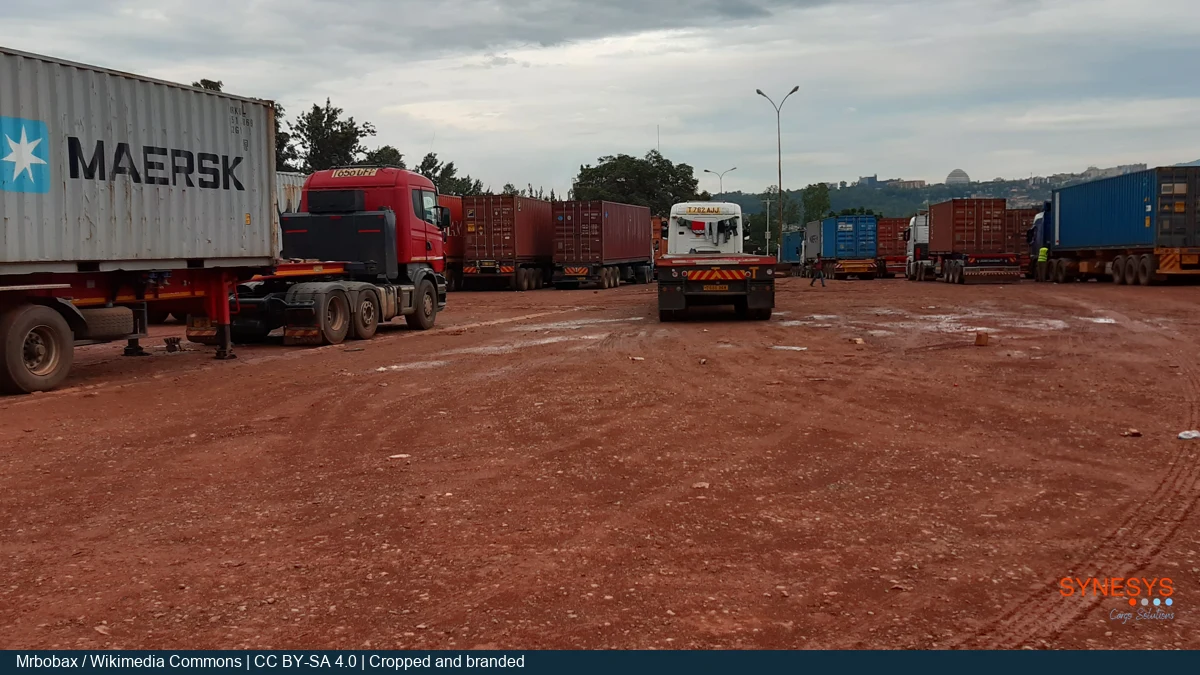
Cover photo by Mrbobax under CC BY-SA 4.0. Cropped and branded.
ATLAS pilot FAQs
What should I use for my first ATLAS job?
Choose a familiar lane and use sample customer and driver details. Include one pickup change and one delivery discrepancy so both dispatch and accounts can practise.
How do I know the driver has the current instruction?
Ask the driver to read back the latest collection time and gate. Record the acknowledgement against the revised instruction so the next dispatcher can see which version was received.
What should accounts be able to find at closeout?
Give accounts only the job reference. Ask them to retrieve the signed delivery evidence, confirm the accepted count and identify any discrepancy still awaiting a decision.